AI Cookbook Generator for KDP
Create image-rich cookbooks with AI for Amazon KDP. Generate a cookbook name, organize recipes and chapters, keep text and photos cleaner, and move toward a calmer cookbook export.
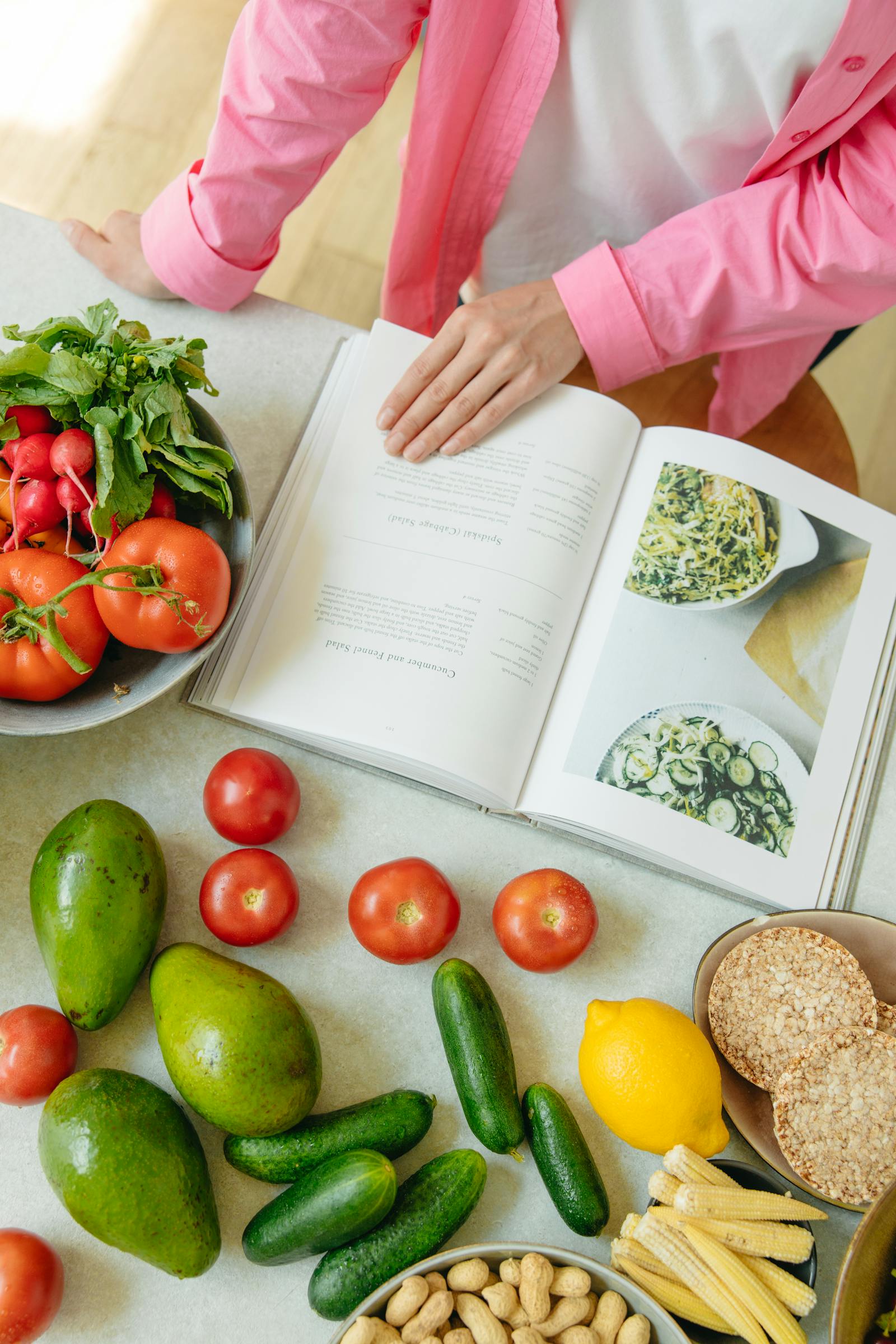
Keep recipe sections, supporting images, and chapter rhythm more stable across a full cookbook project.
Cookbook searches usually hide four different jobs
The same creator may be looking for a recipe book generator, a cookbook name generator, a full AI cookbook generator, or a safer way to package a cookbook for KDP.
ai cookbook generator
Use the workflow to generate and organize a full cookbook project: recipe sections, chapter order, listing assets, image notes, and KDP export checks.
recipe book generator
Start from recipes, notes, cuisine ideas, or a meal-planning angle, then turn the material into repeatable recipe blocks and book structure.
cookbook name generator
Name ideas work best after the audience, cuisine promise, and recipe collection are clear, so the title, subtitle, blurb, and categories stay aligned.
can AI create an entire cookbook?
AI can help assemble the project, but the strongest result still needs human review for recipe accuracy, image fit, rights, metadata, and preview quality.
Cookbooks are not plain-text books
A cookbook creator usually needs more than recipe generation. A strong AI cookbook generator has to hold together structured recipe content, images, packaging, preview, and export without turning launch week into cleanup.
Ingredients, steps, prep notes, nutrition blocks, and serving details all need to stay aligned instead of turning into a long generic manuscript.
Food photography, section dividers, callouts, and mixed text-and-image layouts make cookbook pages drift faster than standard ebook pages.
Title, subtitle, blurb, categories, and keyword decisions often get rebuilt after the recipe draft already feels done.
Preview issues, image sizing, inconsistent page rhythm, and messy handoff files often get discovered when launch week should already be moving.
Cookbook name generator for KDP listings
Get cookbook title ideas from cuisine, occasion, audience, and tone, then start a structured cookbook project. This stays on the cookbook page on purpose: a name is only useful if it can become chapters, listing assets, and a KDP-ready export.
Step 01
Choose the cookbook angle
Step 02
Generate cookbook name ideas
Step 03
Lock chapters and listing assets
Step 04
Check mixed layouts before upload
Step 05
Export a KDP-ready cookbook pack
Title ideas
Select a name, then copy or start the project
Starts the create step with this title, audience, and cookbook packaging notes attached.
See the listing assets behind Weeknight Family Meals
A cookbook name is only the start. This sample pack shows the title, subtitle, blurb, keywords, chapters, disclosure note, and export checks that should travel with the recipes.
Working title
Weeknight Family Meals
45 Fast Dinners You Can Cook After Work Without Losing the Table
Weeknight Family Meals is a practical cookbook for busy parents who need dinner on the table in about 30 minutes. Each recipe keeps ingredients, steps, make-ahead notes, and photo direction in the same pattern so the book stays usable in a real kitchen and publishable on KDP.
Keywords
Categories
- Cookbooks, Food & Wine > Quick & Easy
- Cookbooks, Food & Wine > Cooking Methods
Chapter map
- 01Pantry and weeknight setup
- 02One-pan chicken dinners
- 03Skillet pasta nights
- 04Soup and leftover resets
- 05Sheet-pan vegetables
- 0615-minute sides
- 07Make-ahead lunches from dinner
- 08Saturday prep that saves Monday
One-Pan Lemon Chicken
30 minutes · serves 4Ingredients
- 4 bone-in chicken thighs
- 1 lemon, sliced
- 2 cups broccoli florets
- Olive oil, salt, pepper, garlic
Steps
- 1. Heat the oven to 425°F and season the chicken.
- 2. Roast 18 minutes, then add broccoli and lemon.
- 3. Finish 8 to 10 minutes until the chicken is cooked through.
Disclosure note
Recipe drafting was AI-assisted and then human-edited for taste notes, timing, and kitchen practicality. Food photos in a live project should be author-owned or licensed. KDP still requires the publisher to disclose AI-generated text, images, or translations at upload.
Export notes
More than recipe text
An AI recipe book generator for KDP should help with the cookbook project as a whole, not stop at draft generation.
Where a cookbook workflow should feel stronger
The real test for an AI cookbook generator is not whether it can write recipe copy. It is whether it helps cookbook creators keep structure, photos, and export prep under control.
| Cookbook job | What usually breaks | What the workflow helps with |
|---|---|---|
| Recipe sections | Easy to lose structure when each recipe block gets edited independently. | Keeps ingredients, steps, notes, and supporting content in a more repeatable pattern. |
| Text + image balance | Photos, captions, and recipe text often drift into awkward page rhythm. | Handles cookbook layout with images more cleanly so visual and written content stay connected. |
| Listing assets | Blurb, subtitle, and keyword work gets delayed until the draft is already done. | Lets cookbook creators build packaging assets while the book is still taking shape. |
| Export prep | Formatting and preview checks become last-minute cleanup work. | Moves toward a KDP-ready cookbook handoff instead of leaving export prep for the very end. |
Create, package, check, export
This AI cookbook generator follows the same KDP workflow backbone as the main product page, but every step is tuned to cookbook structure, images, and export pressure.
Create
Turn recipes, notes, and chapter ideas into a structured cookbook draft instead of a loose pile of recipe text.
Package
Build title, subtitle, blurb, keyword ideas, categories, and image direction while the cookbook is still being shaped.
Check
Review cookbook formatting, image placement, preview flow, and project consistency before the KDP upload stage.
Export
Leave with a cleaner cookbook file package instead of scattered recipe drafts, image folders, and last-minute notes.
Preview cookbook pages before KDP upload
The cookbook version of KDP-ready work is not just about writing recipes. It is about checking preview flow, image-heavy pages, metadata, and export before the final upload window.
Cookbook review points that matter
Cookbook export state
What a cleaner handoff looks like
Recipe chapters stay organized
Breakfast, lunch, dinner, prep guides, and nutrition notes are grouped more cleanly instead of drifting into one long manuscript.
Listing
Subtitle, blurb, keywords, categories
Export
Cookbook file handoff and project notes
The real outcome is calmer publishing
A good AI cookbook generator removes cookbook launch friction by keeping recipes, images, metadata, review, and export connected earlier.
Questions cookbook creators ask first
Quick answers about cookbook names, recipes, mixed layouts, cookbook formatting, KDP export, and project fit.
Keep moving through the publishing workflow
These pages keep the cookbook use case connected to metadata, export checks, templates, and the broader KDP workflow.
Build a cookbook, not just recipe text
Start with your recipe notes or prompt, then move into cookbook structure, metadata, review, and export from one workflow.